
Samsung Fast Charging Cable: Review & Buying Guide

Choosing the right Samsung Fast Charging Cable can save time and protect your devices. This guide explains how fast charging works, what features matter, and how to spot a well-built cable. You will learn how usb c fast charging cable standards affect speed, how to test a fast charging usb cable, and which cables offer reliable data transfer. Read on for clear, practical advice to choose the best samsung usb cable for your needs.
Why choose a Samsung Fast Charging Cable?
Samsung devices often support higher charging rates than standard USB chargers. A compatible Samsung Fast Charging Cable helps deliver those rates safely. It also ensures stable data transfer when you sync files. Choosing an optimized cable reduces heat and charging time while protecting battery health. This section explains the core reasons to pick a quality cable.
- Faster charge times with compatible chargers and devices
- Stable power delivery lowers heat and battery stress
- Reliable data transfer during syncing and backups
- Durable construction resists daily wear and tear
Recommended Products
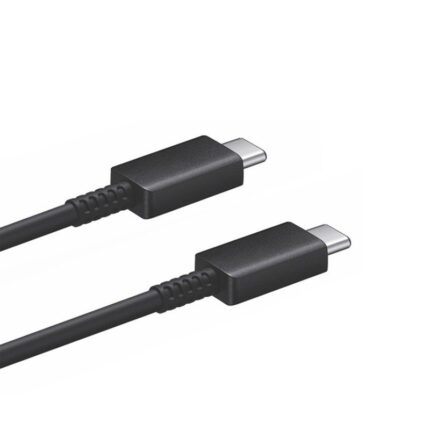
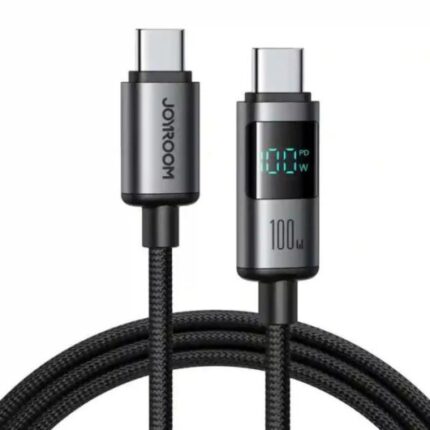
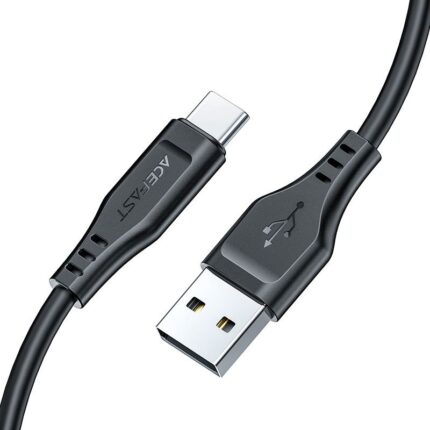

How fast charging works and standards to know
Fast charging depends on both the charger and the cable. Standards like USB Power Delivery (PD) and Qualcomm Quick Charge change how much current and voltage move through the cable. Many Samsung phones use USB PD or Samsung’s Adaptive Fast Charging. A usb c fast charging cable that follows PD specifications can carry higher power safely. Always match the cable to your charger and phone for best results.
- USB Power Delivery (PD) — flexible voltage and high wattage
- Qualcomm Quick Charge — variable voltage, common in many phones
- Samsung Adaptive Fast Charging — optimized for Samsung devices
- Cable quality influences actual delivered current and heat
Key features of a good Samsung charging cable (samsung charging cable review points)
When you read a samsung charging cable review, look for concrete specs and test results. Good reviews measure real charge speed, durability, and data transfer rates. Here are the features to prioritize when selecting a cable.
- Connector type: USB-C on both ends or USB-A to USB-C, depending on your charger
- Power rating: Supports at least 60W for most phones and small tablets
- Shielding and wire gauge: Thicker wires and proper shielding reduce heat
- Connector reinforcement: Strain relief prevents fraying at the ends
- Data transfer rating: USB 2.0 vs USB 3.x changes transfer speeds
Design and durability: What to inspect in a Samsung USB cable
Design matters for daily use. A cable that flexes and breaks wastes money and risks data loss. Look for braided jackets, reinforced connectors, and molded strain relief. Pay attention to connector fit. Tight, secure connections reduce arcing and heat. If you travel often, choose a cable with a thicker jacket and a short, portable length. These traits show up in reliable samsung charging cable review results.
- BRAIDED vs rubber: Braided covers resist tangles and cuts
- Connector plating: Gold or nickel plating resists corrosion
- Length choice: Short cables charge faster with less loss
- Warranty: Brands that stand behind their products add trust
Performance testing: How to evaluate type c fast charging cable review results
Testing a cable verifies claims. Use a power meter or a smart charger that displays current and voltage. Test with your actual phone and charger. Note the power delivered during a full charge cycle and under heavy use like gaming. A true type c fast charging cable review shows consistent high current and stable voltage with minimal temperature rise. Also test data transfer with large file copies to check if the cable supports high-speed USB protocols.
- Measure current (amps) and voltage during charging
- Record temperature at the connector and cable midpoint
- Test data transfer speed with multiple file types
- Repeat tests to confirm consistent performance
Data transfer charging cable review: Balancing speed and utility
Many cables advertise both charging and data transfer. Pay attention to the stated USB protocol. A cable labeled USB 2.0 usually transfers at up to 480 Mbps. USB 3.1 or newer can offer several Gbps. If you frequently move large files, choose a cable rated for high-speed data. A quality data transfer charging cable review will include real transfer benchmarks. That helps you avoid cables that charge well but fail to move files quickly.
- USB 2.0 — adequate for basic syncing and charging
- USB 3.x — required for fast large-file transfers
- Dual-use cables must specify both power and data specs
- Check manufacturer specs rather than only marketing terms
Comparing Samsung Fast Charging Cable to alternatives
Not all cables labeled “fast” deliver the same performance. Brand-name cables tend to have clearer specifications and better quality control. Cheaper generic options sometimes lack proper wiring or shielding. They may charge slower or overheat. Compare real-world tests. For phones that support usb c fast charging cable standards, a certified cable often offers the safest and most efficient charging. If you use multiple devices, select a versatile cable that supports the highest common standard.
- Certified cables usually meet safety and performance standards
- Generic cables may save money but risk lower performance
- Use device manufacturers’ recommendations for best compatibility
- Consider a multi-protocol cable if you use varying charger types
Practical buying tips: How to choose the right cable
Decide which features matter most to you. If speed tops your list, pick a cable rated for USB PD and a charger that supports high wattage. If you move files often, choose a high-speed data cable. For travel, prioritize durability and compact length. Always check return policies and warranty terms. Keep receipts and test the cable immediately to ensure it meets your expectations.
- Match the cable to your phone and charger specs
- Opt for short cables for faster charging and less loss
- Look for reputable brands and positive user reviews
- Verify certifications like USB-IF or manufacturer seals
Common issues and troubleshooting for fast charging USB cables
Even good cables sometimes underperform. Start troubleshooting with the simplest checks. Inspect connectors for dirt or misalignment. Try a different charger or phone to isolate the problem. Replace cables that show frayed wires or loose connections. If charging slows near full battery, remember that phones reduce current to extend battery life. That behavior is normal and not a fault in the cable.
- Dirty or bent connectors can block proper contact
- Low-quality chargers limit delivered power
- Phone settings or battery health can affect charging speed
- Test with known-good hardware before replacing components
Frequently Asked Questions
Is any USB-C cable good enough for Samsung Fast Charging?
A quality USB-C cable might charge a Samsung phone, but not all carry the same power safely. For fast charging, choose a cable that supports USB Power Delivery or the phone’s recommended standard. Certified cables reduce the risk of slow charging or overheating.
Can a cable support both fast charging and high-speed data?
Yes. Some cables support fast charging and high-speed USB data transfer. Check the cable’s USB specification. Look for USB 3.x ratings for fast data and PD support for fast charging. Reviews and manufacturer specs confirm both capabilities.
Conclusion
Choosing the right Samsung Fast Charging Cable makes a noticeable difference in convenience and device safety. Focus on compatible standards, clear power ratings, and certified construction. Test real-world charging and data transfer when possible. Use the criteria and tips above to pick a cable that balances speed, durability, and reliable data transfer. A well-chosen samsung usb cable will fast-charge your device and last for years.